Capture
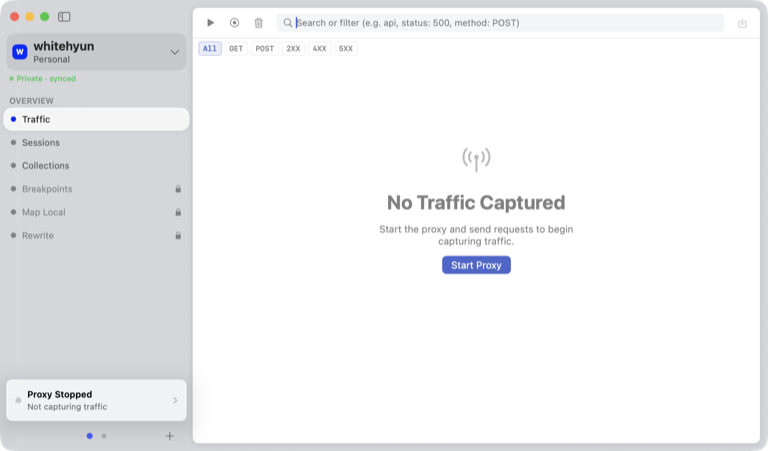
See HTTP/S and WebSocket traffic from a Mac app, browser, Simulator, or device.
Capture HTTP/S and WebSocket traffic from your Mac, Simulator, or device. Edit any request or response and send it again.
 Download for macOSFree for macOS 26 and later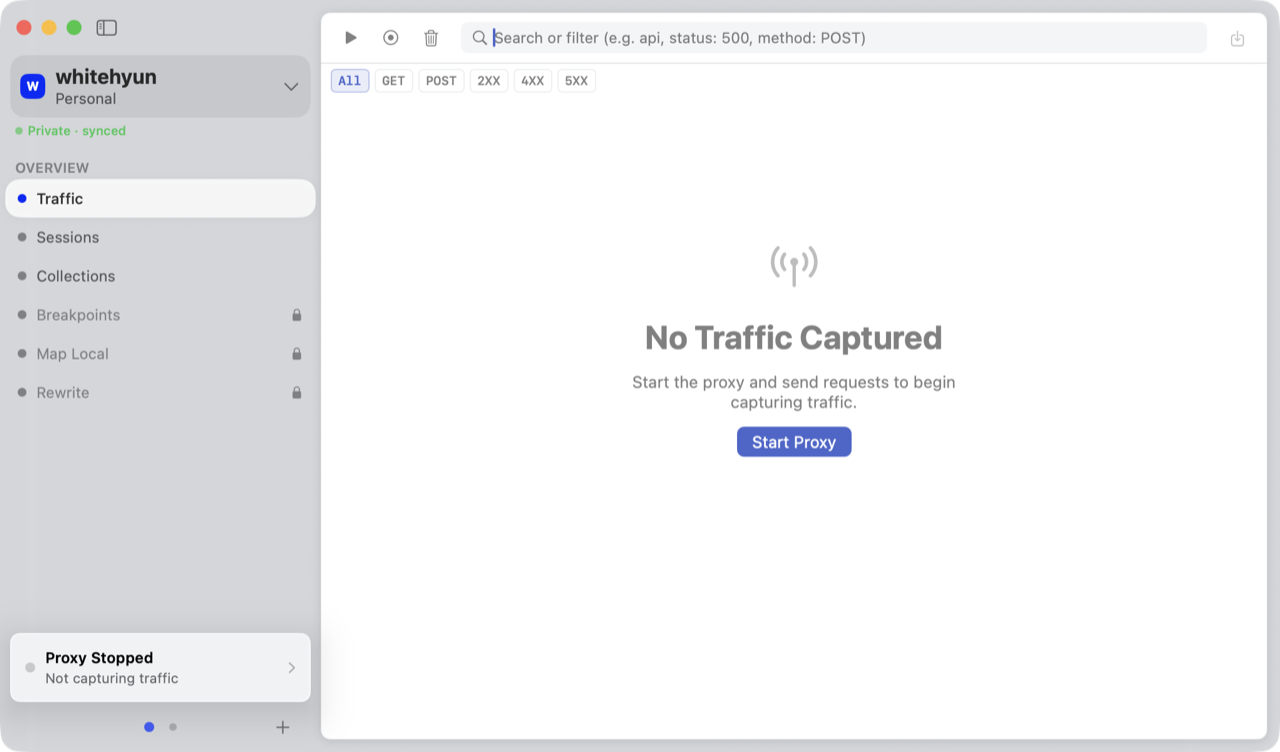
Inspect headers and bodies while the app is running. Edit one exchange for free, or use Pro rules when the same change needs to run again.
See HTTP/S and WebSocket traffic from a Mac app, browser, Simulator, or device.
Edit and resend one request. Pro adds Breakpoints, Map Local, and Rewrite Rules.
Read the response in Lens and verify the result in the running app.
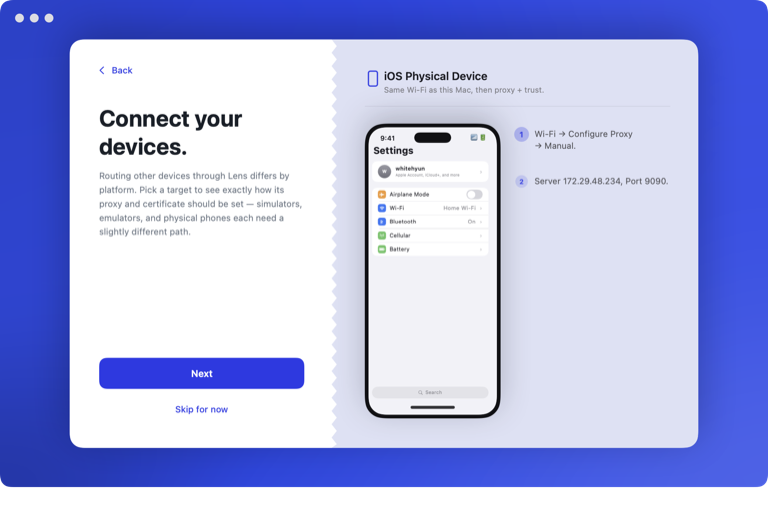
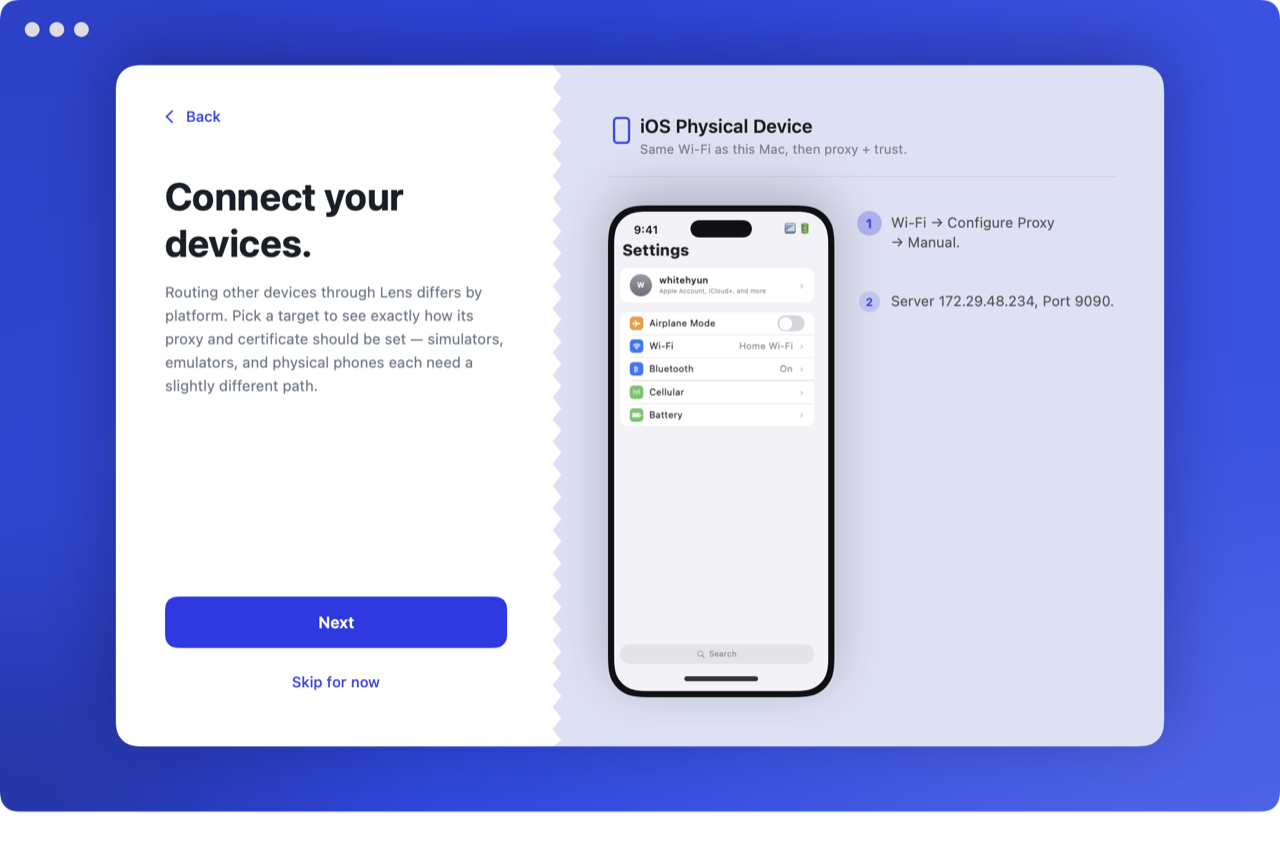
Lens checks the proxy and certificate setup one step at a time. If a check fails, it points to the setting that needs attention.
Each Space keeps its own Breakpoints, Map Local, Rewrite Rules, Muted Hosts, and theme.
Capture, inspect, edit, and resend without a time limit. Pro adds Breakpoints, Map Local, and Rewrite Rules.
No. Saved sessions, request and response bodies, transactions, and WebSocket payloads stay on your Mac.
Pinned apps may reject Lens’s locally generated certificate. Use a debug build or disable pinning for development traffic.
Free for macOS 26 and later.